Using Newcastle University Library
Favourite places
- Books on Time
- Databases
- Desktop Delivery Service
- E-Books
- E-Journals
- E-Print Repository
- E-Theses
- EndNote
- Friends of the Library
- Inter-Library Loans
- Law Library
- Library Guides
- Library Help
- Library Search (catalogue)
- Opening hours
- Print Services
- Reading Lists
- Renewals
- Research information
- Special Collections
- Walton Library
Quicksearch
News
New resources
- How can I find out what books the Library has?
- How can I find material in the Library?
- How can I borrow a book?
- How can I renew my books?
- Where can I study?
- What are the Library's opening hours?
Use Library Search to find out which books, journals and other material the Library holds. Library Search will tell you which Library holds the book, how long you can borrow it for, how many copies we have, the shelfmark of the book.
How can I find material in the Library?

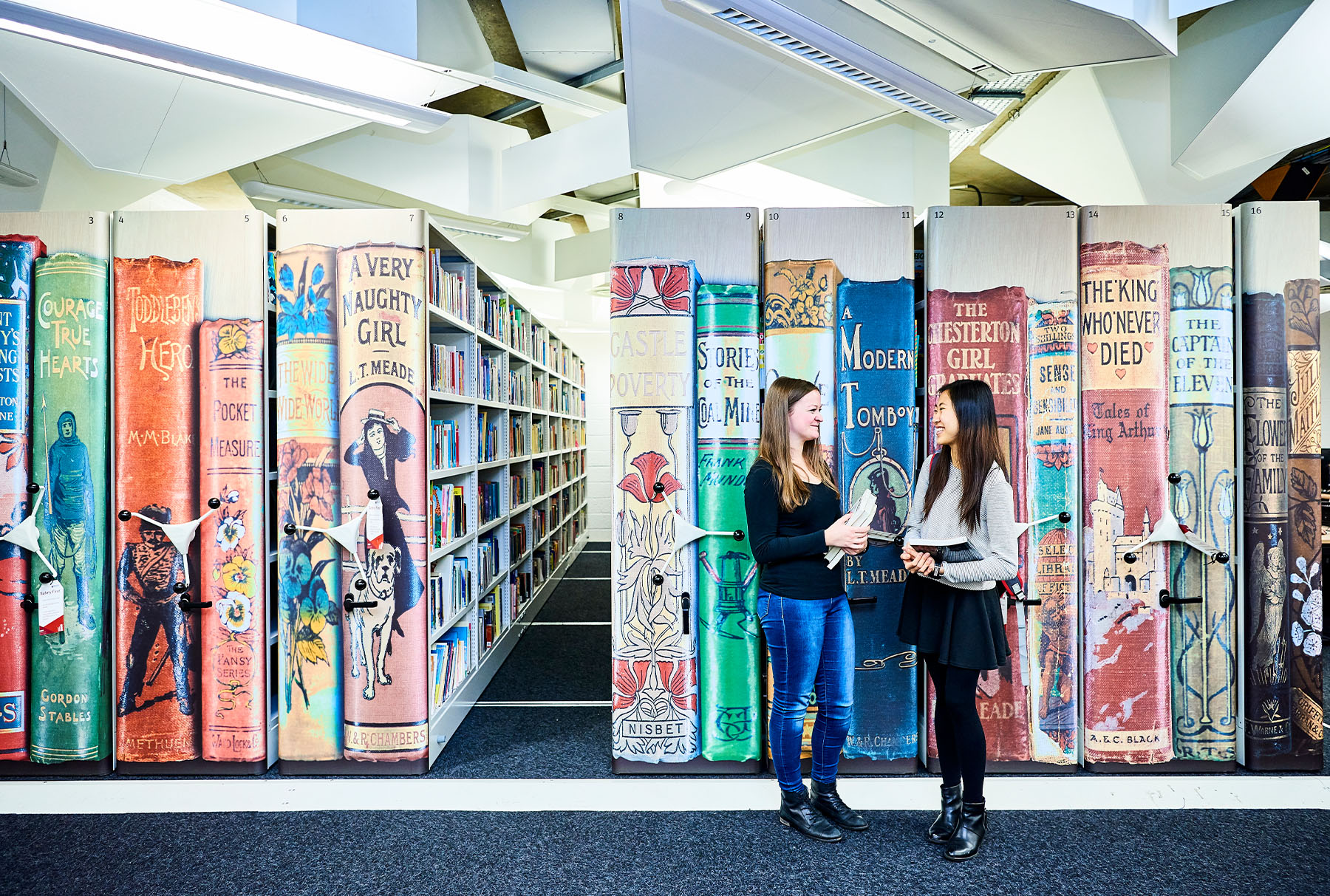
Our shelves are open for you to browse and find materials for yourself. If you take items from the shelves but do not wish to borrow them then please either reshelve them in the correct place using the Dewey Decimal shelfmark or place items on the Re-shelving Bays located by the Group Study rooms on both floors. The Re-shelving Bays are arranged in Dewey Decimal shelfmark order for your convenience.
In the Robinson Library, print journals have a shelfmark which start PER followed by a subject number and the first 3 letters of the title (e.g. PER 620 JOU). They are shelved in a different place to the books. Journals in the Walton Library have the shelfmark MED PER and journals in the Law Library start with the shelfmark LAW PER (e.g. LAW PER 340 JOU).
Electronic journals are available via the Library's web pages.
Back to the top
How can I borrow a book?


Back to the top
How can I renew my books? You can renew your books online using Library Search. You can also renew your books by telephone, at the self-issue machines or in person at a Library Issue Desk. More details.
Back to the top
Where can I study?
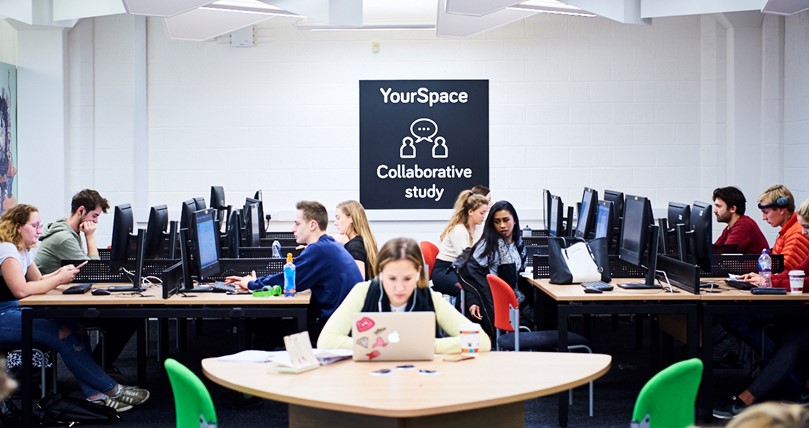
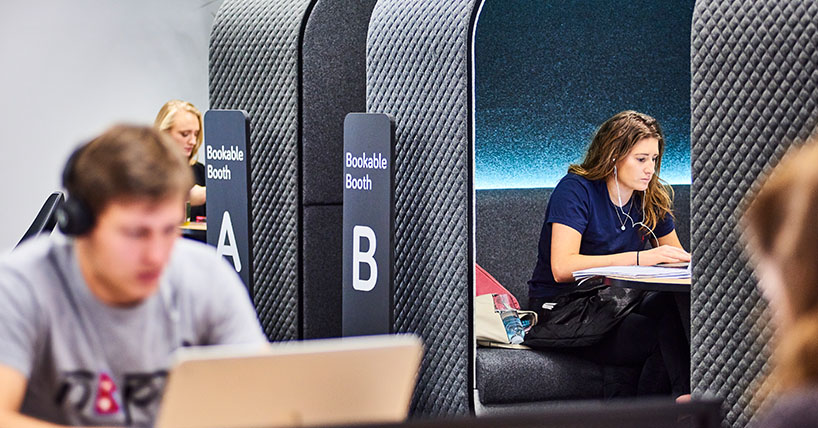
The Library has large areas of private study space, including several private study rooms - in the Robinson Library you will find these on Levels 3 and 4. The Library also provides Group Study space, (including YourSpace on Level 1 in the Robinson Library), as well as several bookable group study rooms.
There is a large PC cluster in the Robinson Library, and most of the building is wireless enabled, so you can use your own laptop to connect to the University's network. Laptops are available to borrow for students who do not have their own.
There is a café in the Robinson Library where you can buy drinks and snacks.
Back to the top
What are the Library's opening hours?
The Library's opening hours are displayed at the entrance to each Library as well as being available on the Library website
Back to the top